Job card & billing software for repair shops
Take in a job, track it from pending to delivered, add parts and warranty, and bill with the balance due.
No signup needed to explore the demo. It is a shared sample business and its data may be reset.
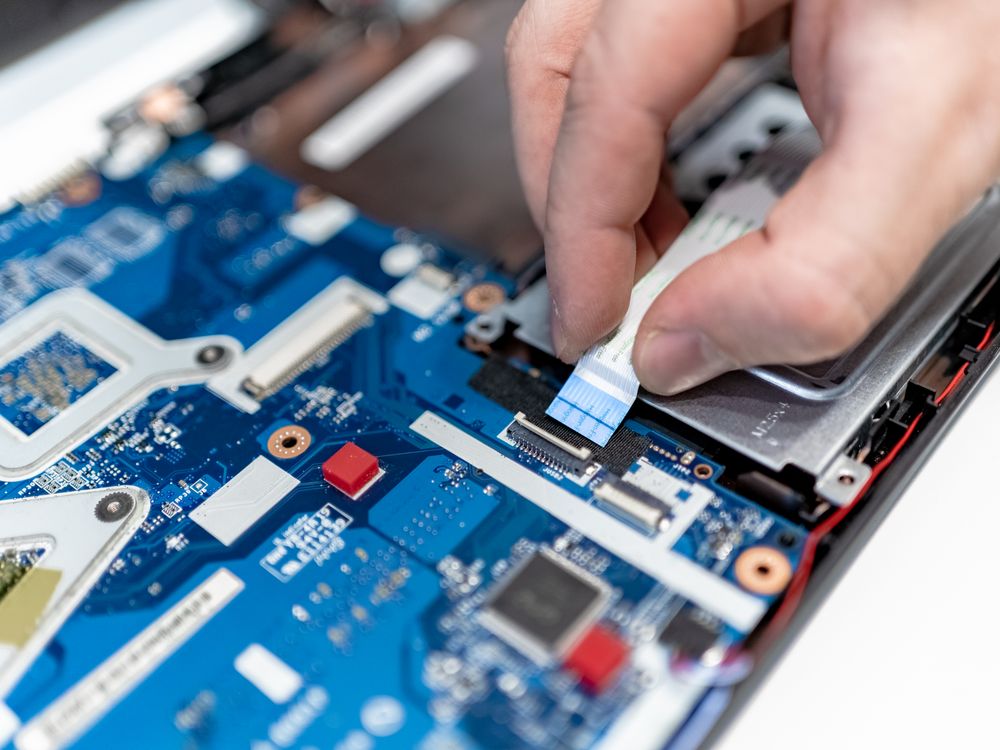
What Repair Shop owners deal with every day
Jobs getting lost
Job cards track each repair from pending to delivered.
Parts and labour on one bill
Add spare parts and labour charges to the same invoice.
Warranty arguments
Set warranty days on items so the terms are on record.
Built for a repair shop
Job cards
One card per repair with its status from pending to delivered.
Parts and labour
Spare parts from your stock list plus labour charges on one bill.
Warranty days
Record the warranty period on each service or part.
Balance due
Advance, part payment and balance reminders on WhatsApp.
Stock items
Track spare parts as stock and see when they run low.
Bill on WhatsApp
Send the bill as a PDF or image.
Start in three steps
Pick Repair Shop
Choose ServiceERP and your type of business when you register. It takes a minute.
Add your items
Import the ready-made list of 51 items and edit the prices, or import your own CSV or a photo of your price list.
Start billing
Bill from your phone or computer, take cash, UPI or credit, and send the bill on WhatsApp.
Questions Repair Shop owners ask
Can I sell spare parts and track their stock?⌄
Yes. Parts can be stock items that count down as you bill them.
Can I take an advance when the job comes in?⌄
Yes. Record a part payment and the balance stays due.
Can I run a shop and repairs together?⌄
Yes. TradeERP and ServiceERP can be used under one login.
Can I try it before I sign up?⌄
Yes. The live demo opens a sample business with products or services, customers and sales. No signup is needed, and demo data is shared and may be reset.
See it with a sample repair shop
Open the live demo, tap through a bill, and decide for yourself.
Questions? Call or WhatsApp +91 98361-30393