Billing software for kirana & grocery stores
Bill at the counter in seconds, know what is running out, and stop chasing Udhaar in a notebook. All from your phone, with no POS machine.
No signup needed to explore the demo. It is a shared sample business and its data may be reset.
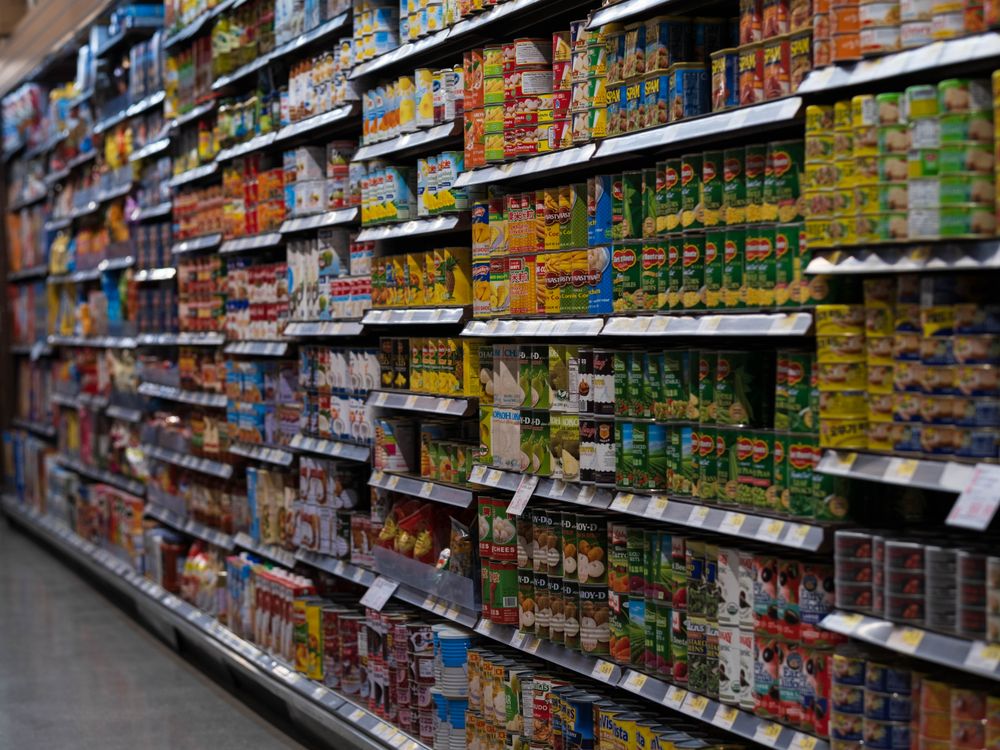
What Kirana & Grocery Store owners deal with every day
Queues at the counter
Tap items or scan barcodes and finish the bill in seconds. Change the price on the spot when a regular customer bargains.
Udhaar in a notebook
Every customer’s credit balance, part payments and statement in one place, with a WhatsApp reminder when dues build up.
Finding out an item is finished too late
Low-stock alerts and purchase bills keep your shelves and your supplier list under control.
Built for a kirana & grocery store
Fast tap-to-bill POS
Colour-coded product cards, search or barcode scan, discounts, and paid, part-paid or credit sales.
Loose and packed items
Sell by kg, gram, litre or piece. Speak or type a line like “atta 2 kg” into the cash memo.
GST bills when you need them
Exclusive, inclusive or exempt, with a rate per item and the CGST/SGST split.
Udhaar ledger
Dues by customer, statements, and one-tap WhatsApp reminders.
Bill on WhatsApp
Send every bill as a PDF or image straight from the sale screen.
Works on your phone
Install it on your home screen. Quick Sale keeps working when the internet drops.
Start in three steps
Pick Kirana & FMCG (Grocery)
Choose TradeERP and your type of business when you register. It takes a minute.
Add your items
Import the ready-made list of 15 items and edit the prices, or import your own CSV or a photo of your price list.
Start billing
Bill from your phone or computer, take cash, UPI or credit, and send the bill on WhatsApp.
Questions Kirana & Grocery Store owners ask
Can I bill items by weight?⌄
Yes. Each item has a unit, and the cash memo accepts kg, gram, litre and other units, so you can bill 250 g of an item priced per kg.
Does it handle GST?⌄
Yes. Choose exclusive, inclusive or exempt on each bill, with a rate per item. Please confirm your rates with your accountant.
Can I bring in my existing item list?⌄
Yes. Import a CSV, or photograph a printed price list and review what the app reads before anything is saved. A ready-made kirana starter list is available inside the app.
Can I try it before I sign up?⌄
Yes. The live demo opens a sample business with products or services, customers and sales. No signup is needed, and demo data is shared and may be reset.
See it with a sample kirana & grocery store
Open the live demo, tap through a bill, and decide for yourself.
Questions? Call or WhatsApp +91 98361-30393